
The inventory problem starts with variants
Mato Crafts is a commerce platform for polymer-clay jewellery that supports both online selling and physical stall operations. For this kind of business, inventory cannot be treated as one number beside a product. A product can have variants, stock can move between a warehouse and a stall, and a physical sale needs to be recorded without losing track of what remains available.
I worked on the barcode and stall-inventory workflow as part of the broader Mato Crafts platform. The aim was to create a clearer operational path: identify a sellable unit, track where it is, transfer it when necessary, record a stall sale, and keep the data useful for later reconciliation.
From a product record to a traceable unit
The design separates the product a customer sees from the barcode unit that an operator handles. A product can have variants, while barcode units give the studio a way to identify individual stock items and understand their availability or transfer state.
This matters when several products look similar or when one product has different material, colour, or design options. Staff should not need to rely on memory alone to decide what has been moved, sold, or returned.
- Products and variants provide the customer-facing catalogue structure.
- Barcode units provide an operational identity for stock handling.
- Barcode records can be generated, searched, scanned, and managed through studio tools.
- Unit status supports availability and transfer awareness.
Designing stock movement for a physical stall
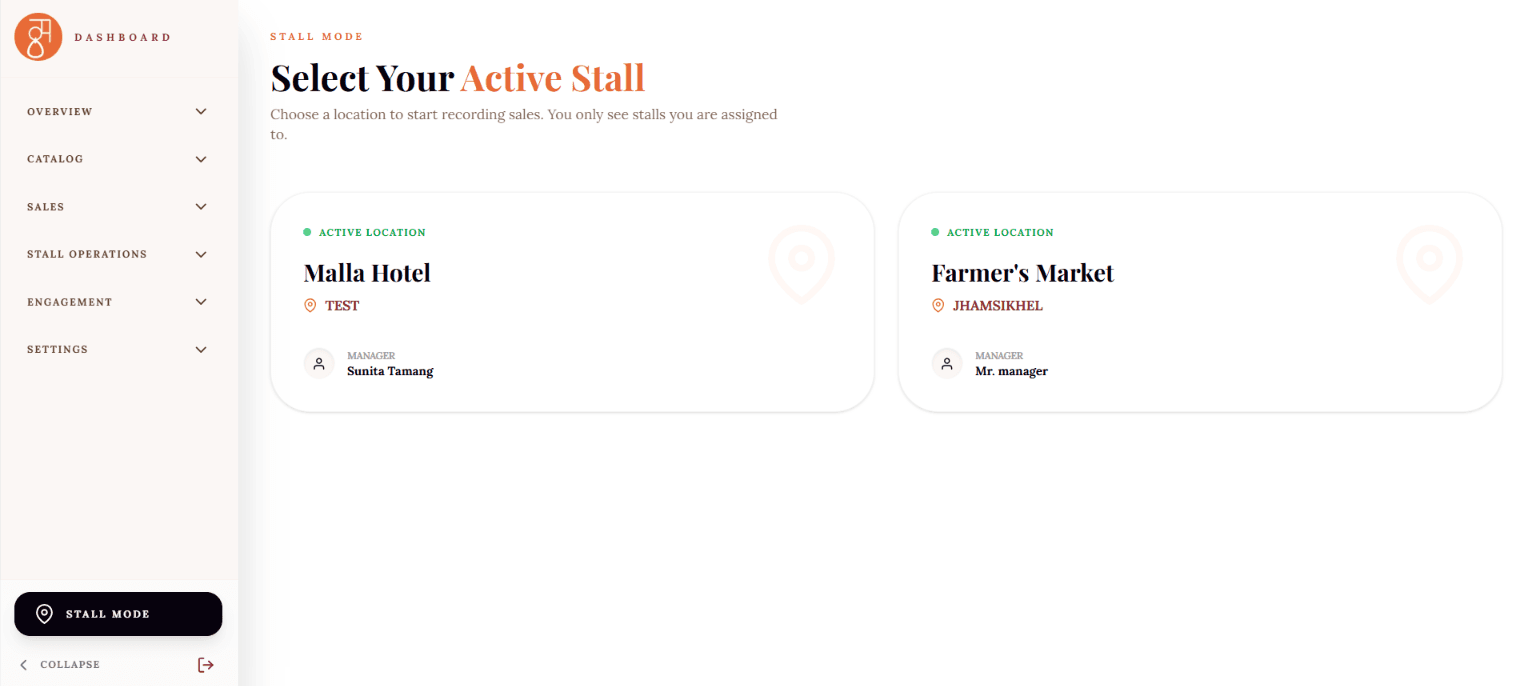
A stall introduces a second inventory context. Stock that leaves the warehouse is not necessarily sold, and a sale at a stall should not be confused with an online order. The platform therefore includes stall instances, inventory views, stock-transfer and return workflows, point-of-sale or order capture, payment recording, sales reporting, and reversal or deletion logic.
The central design principle was to make movement explicit. Inventory is not simply reduced without context; it can be associated with an operational event such as a transfer, a sale, or a return. That makes the workflow easier to inspect when the team needs to understand why a count changed.
- Create or manage an event or stall instance.
- Transfer the required inventory from the warehouse into the stall context.
- Use the stall inventory view while recording sales and payments.
- Return unsold items and retain a record of the movement.
- Use reversal or deletion logic carefully when an operational record needs correcting.
Keeping the workflow connected
Barcode-unit states are synchronized during movement and sale flows. That connection is important because the public storefront, warehouse stock, and physical stall operations should not evolve as three unrelated systems.
The broader platform also contains product, category, collection, clay-stock, variant, pricing, order, customer, and fulfilment records in its protected studio environment. The barcode and stall workflow fits into that larger model instead of being an isolated point-of-sale feature.
What I handled
- Designed and implemented barcode-related product and inventory workflows within the Mato Crafts studio experience.
- Worked on variant-aware inventory, warehouse and stall flows, sales capture, and dashboard refinement.
- Took ownership of the majority of the Mato Crafts implementation while working under senior guidance at Niyalo Creatives.
Current state and next steps
The application contains the barcode and stall-management workflow, including stock transfers, returns, point-of-sale capture, payment recording, reporting, and barcode-state synchronization. Mato Crafts is live, but operational features should still be tested in the physical environment where they will be used.
Physical barcode and receipt-printing tests are a practical next step once the required printer hardware is available. The delivery workflow is also still being refined around the client’s preferred courier partner. Those are not weaknesses to hide: they are normal examples of a real product continuing from software implementation into operational validation.